Denafrips Ares II configuration
Set it right even without the manual.
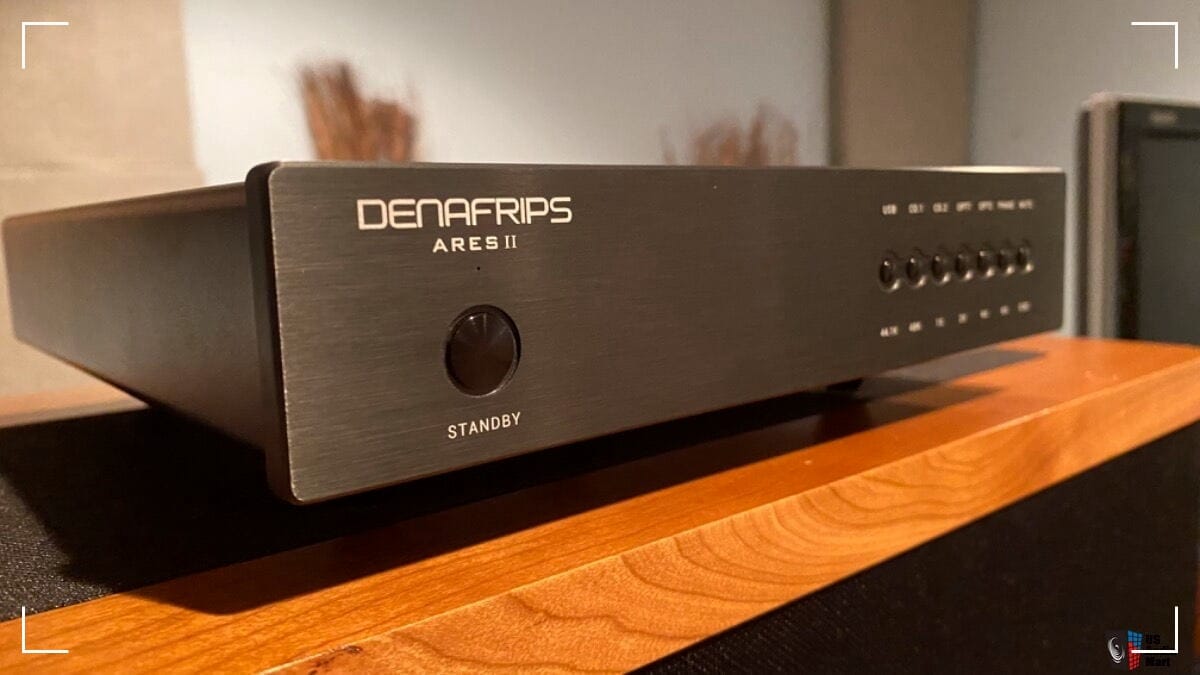
Many people grabbed the Denafrips Ares II DAC when it hovered around 800 euros. Great deal. Minor issue: the manual sometimes gets lost.
That wouldn’t sting so much if the Ares II didn’t ship with NOS turned on by default. If it doesn’t sound right, it’s usually because of this. Unless you're a purist.
The Two Core Modes: NOS vs OS
Vinshine Audio in Singapore lays it out clean:
- NOS (Non-oversampling): the purist setting. A straight-shooting kind of sound, often described as more analog and truer to the source, <cough>.
- OS (Oversampling): stretches the extremes a bit more, highs and lows get more reach, the whole thing can feel more lively and “fun.” This is the setting you're looking for. We're not running a studio, we're enjoying music.
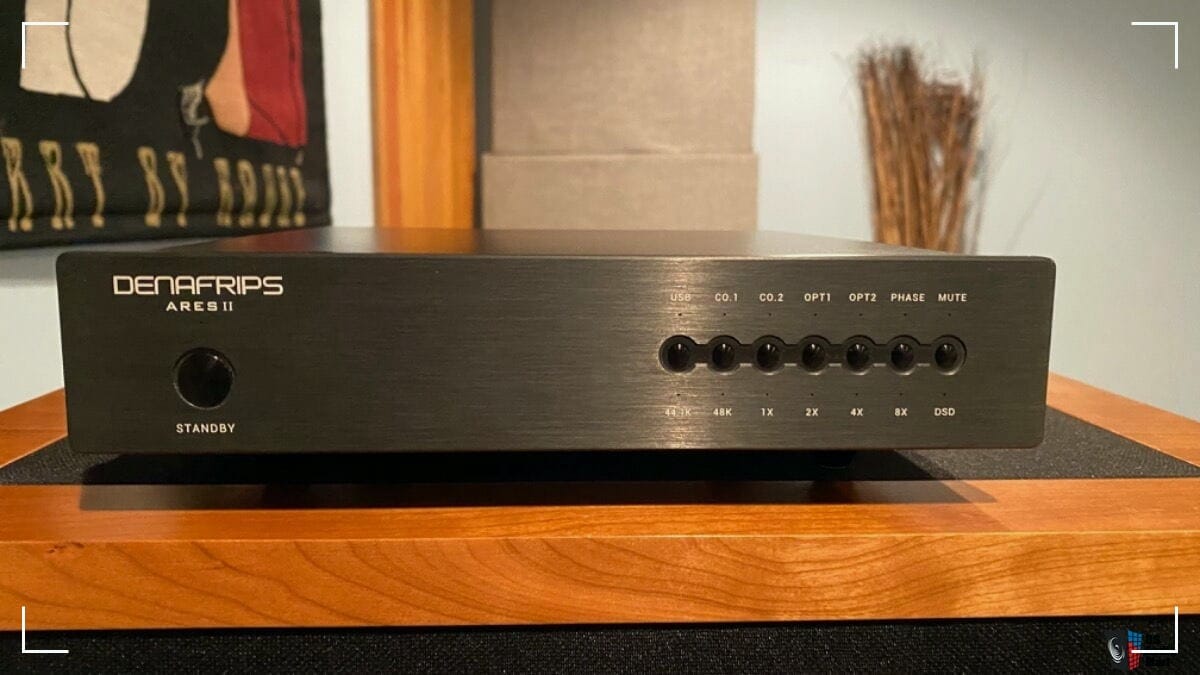
Filters (Only with OS activated)
Filters don’t do anything in NOS. They only work in OS mode.
Once OS is active:
- Slow filter: takes the edge off the top end, smoother decay, less bite.
- Sharp filter: tighter leading edges and quicker transients, more snap.
How to Change NOS, OS, and Filters on the Ares II
For the button moves and LED behavior, use this walkthrough:
Best Setup for Tidal, Roon, and Audirvana
If the Ares II is feeding a Mac setup, look here; for Windows, look here.