Setting the Switch-Off Delay
On a Krups Nespresso Inissia
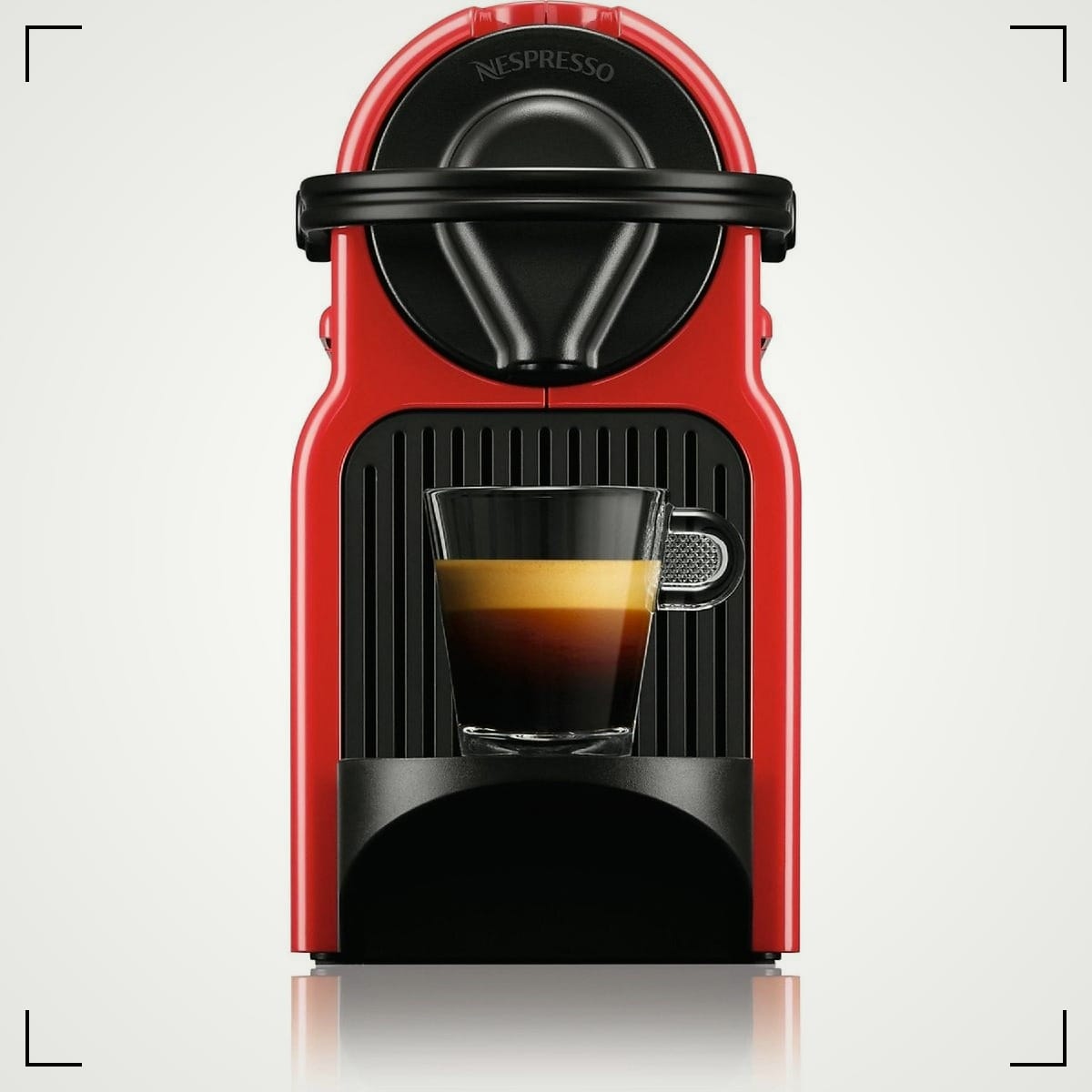
You're in that quiet back room of the day, low light, half awake, hunting for the one setting that keeps slipping. The Krups Nespresso Inissia clicks off too soon, right when you're lining up the second cup.
The fix isn't mystical. It's a short button ritual that sets the auto power-off delay (the switch-off time). In this guide, you'll get a clear, step-by-step method, what the button lights mean, what to try if your Inissia behaves a little differently, and how to confirm the setting actually sticks.
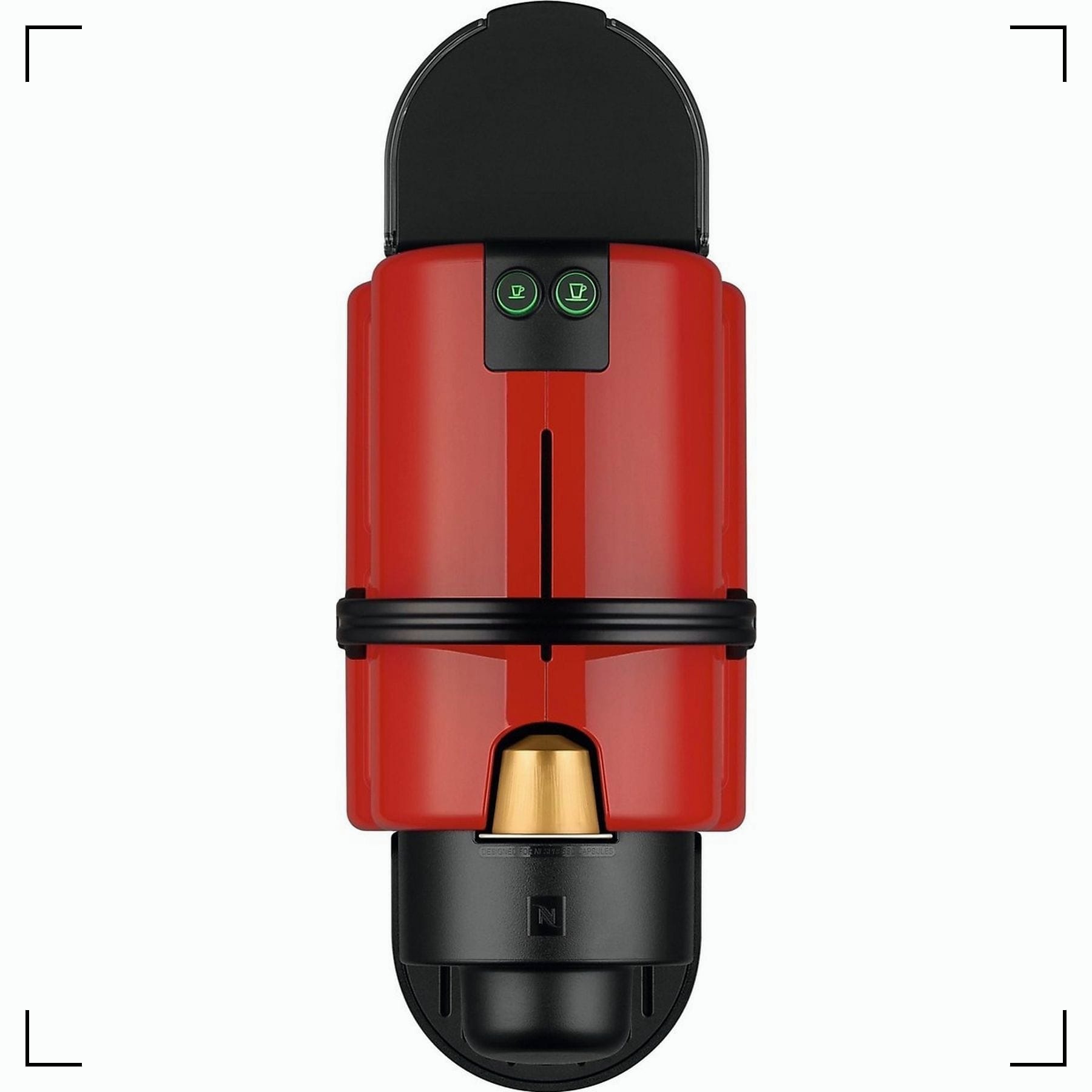
Program the Krups Nespresso Inissia switch-off delay using the two-button setup
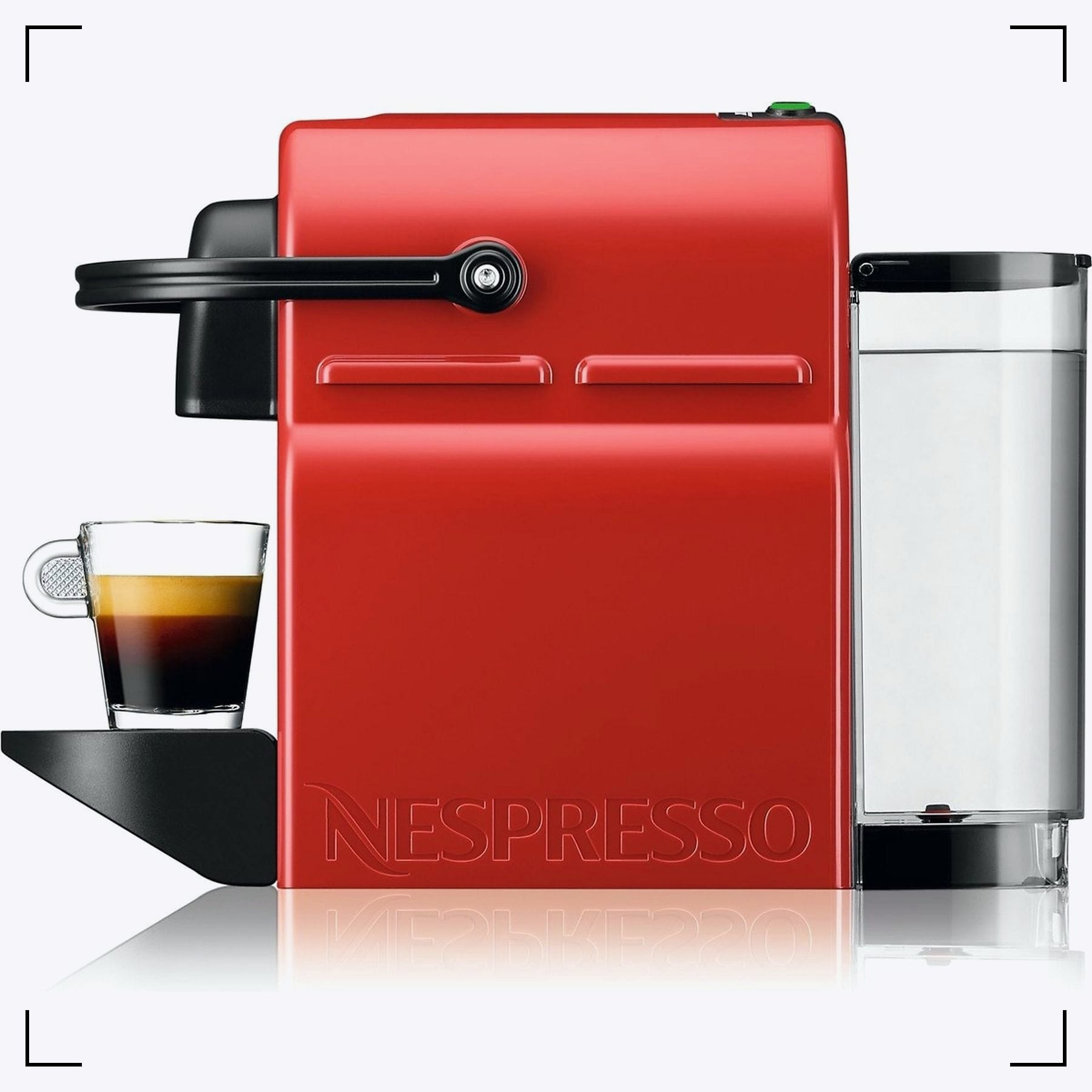
Look at the front. You've got two buttons, Espresso on the left and Lungo on the right. These buttons handle cup size, cleaning modes, and energy-saving settings. Same hardware, different confession.
Most Krups Nespresso Inissia units offer two auto power-off options: a shorter delay (about 9 minutes) and a longer delay (about 30 minutes). That's the whole menu.
You won't believe it, but it took me a couple of searches on to find the link pointing to Nespresso's site. When you look for the Inissia manual on their site, no results are shown. Go figure.
Here's the method that worked for my Inissia machine, and it's the one most people can repeat without drama:
- Turn the machine off.
Press Espresso and Lungo at the same time. Hold until the lights go out. - Enter the auto-off setting.
Press and hold Espresso (the little cup) for about 3 seconds.
The Espresso light should start blinking to show you're in the setting mode. - Choose your switch-off delay.
Tap Espresso to cycle the options.
On many units, one blink corresponds to the shorter delay (around 9 minutes), and the double blink to the longer delay (around 30 minutes). Toggle once to change to 30 minutes. Toggle again to go back to 9 minutes. - Save and exit.
Press and hold Lungo for about 3 seconds.
The lights should return to normal behavior.
| Setting you want | Common time | What you usually press |
|---|---|---|
| Short auto off | ~9 minutes | Espresso to select, then Lungo to save |
| Long auto off | ~30 minutes | Espresso to select, then Lungo to save |
If your unit doesn't enter the mode with the Espresso-hold step, try the alternate entry used on some revisions:
Turn the machine off, then press and hold both buttons until the display flashes in sync, then select Espresso or Lungo. If the lights never acknowledge you, stop and check your manual for your exact type.
When you want the closest thing to "official paperwork," pull the PDF for your region and model family. This Inissia instruction manual PDF includes the energy saving section and the light meanings for many variants.